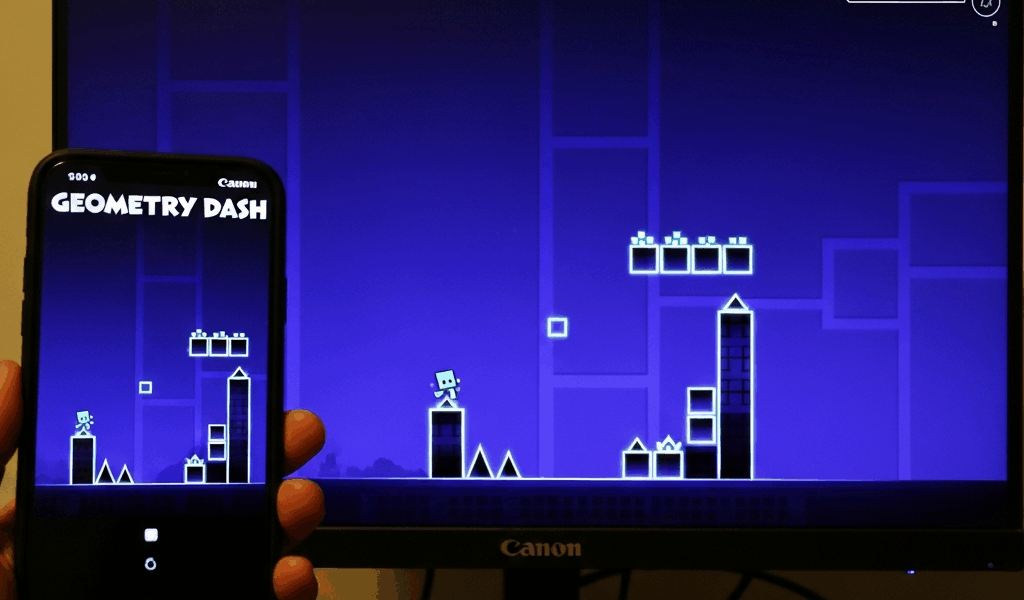
Geometry Dash is available on multiple platforms, but the experience differs significantly between mobile devices and PC. Understanding these differences helps players choose the right platform for their playstyle and make informed decisions about where to invest their practice time. This comprehensive comparison covers everything from controls to performance.
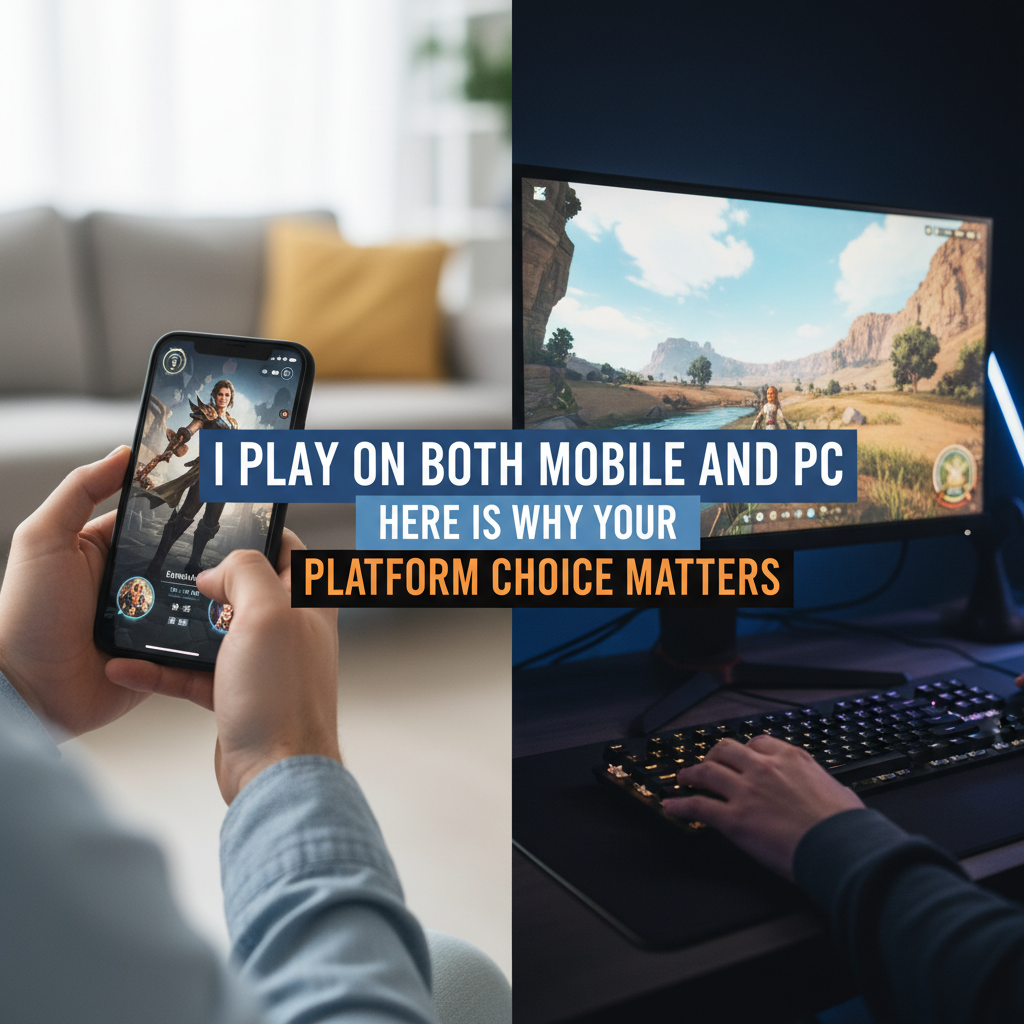
Control Differences
Mobile Touch Controls
Mobile players tap anywhere on the screen to input commands. This offers several advantages:
- Intuitive control scheme that feels natural
- Large touch area reduces input precision requirements
- Play anywhere without additional peripherals
- Familiar for players coming from other mobile games
However, touch controls have drawbacks:
- Screen obstruction from fingers during play
- Touch response varies by device quality
- Extended play can cause finger fatigue
- Less tactile feedback compared to physical inputs
PC Controls
PC players typically use keyboard, mouse, or controller inputs:
- Precise, consistent input timing
- Multiple input options (spacebar, mouse click, controller)
- Clear tactile feedback for every input
- Better ergonomics for long sessions
The consensus among competitive players is that PC controls offer more precision, though mobile touch controls can feel more immediate and responsive to some players.
Performance and Frame Rate
PC Performance
PC versions support higher frame rates, with many players using 144Hz, 240Hz, or even 360Hz monitors. Higher frame rates provide:
- Smoother visual experience
- More responsive input timing
- Better ability to react to fast gameplay
- Consistent performance regardless of level complexity
Mobile Performance
Mobile devices typically cap at 60Hz, though newer phones support higher refresh rates:
- 60 FPS standard on most devices
- 90-120Hz on flagship phones
- Performance can drop on object-heavy levels
- Battery life concerns during extended sessions
Level Compatibility
Object Limitations
Some community levels with extremely high object counts may not run well or at all on mobile devices. PC handles these intensive levels better, making it the preferred platform for playing the most complex community creations.
Device-Specific Levels
Some levels are designed specifically for mobile or PC due to different timing windows at various frame rates. Always check level descriptions for platform recommendations.
Editor Experience
PC Editor Advantages
- Larger screen real estate for complex designs
- More precise object placement with mouse
- Keyboard shortcuts speed up workflow
- Better performance with trigger-heavy creations
Mobile Editor
- More portable for creating on the go
- Touch controls can feel intuitive for decoration
- Sufficient for simple to moderate level creation
- Quick edits and fixes are convenient
Save Data and Sync
Progress syncs through Robtop accounts across platforms, allowing players to:
- Start a level on mobile and complete on PC
- Practice during commute, grind at home
- Back up progress across devices
- Maintain single account statistics
Note that sync is not automatic – players must manually save and load through the account system.
Cost Comparison
The mobile version is typically cheaper than the Steam version. Both are one-time purchases with no subscriptions or in-game purchases required. The mobile version often goes on sale during app store promotions.
Which Platform Should You Choose?
Choose Mobile If:
- You want to play casually on the go
- Budget is a primary concern
- You prefer touch controls
- You mainly play easier to medium difficulty content
Choose PC If:
- You plan to attempt extreme demons
- You want to create complex levels
- You have a high refresh rate monitor
- Competitive leaderboard placement matters to you
The Best Solution
Many dedicated players own both versions, using mobile for casual play and practicing, while reserving PC for serious attempts on difficult content. Thanks to account sync, this dual-platform approach offers the best of both worlds.
Related Articles
Continue reading:


Leave a Reply