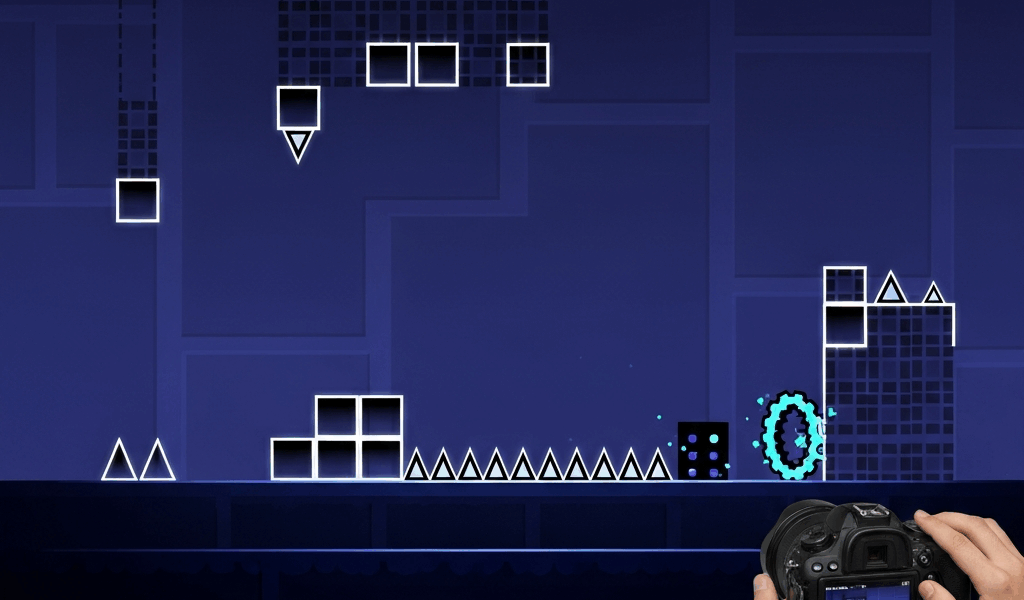
Ready to create your first level? Here’s the essentials to get started.
Getting Started
Open the editor from the main menu. Place blocks with tap, delete with long-press. The play button tests your creation.
First Level Checklist
- Pick a song you like from Newgrounds
- Start simple – cube gameplay only
- Make jumps sync with the beat
- Test constantly as you build

Common Beginner Mistakes
Don’t over-decorate before gameplay works. Don’t make it too hard. Don’t forget to playtest.
Next Steps
Once comfortable with basics, experiment with different game modes and triggers. Watch editor tutorials on YouTube for advanced techniques.
Related Articles
Continue reading:

Leave a Reply