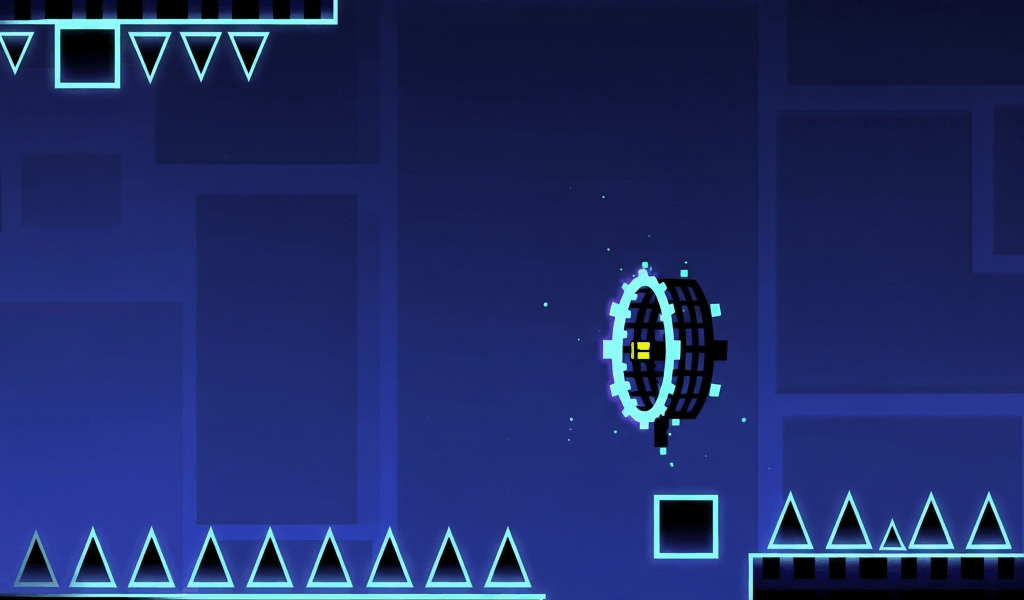
Robot mode has gotten complicated with so many players writing it off as just a taller cube. As someone who spent an embarrassingly long time being inconsistent at it — clearing sections ten times in a row in practice and then dying in them on actual runs for reasons I couldn’t explain — I eventually sat down and figured out exactly what was going wrong. Today I’ll share everything.
The problem was that I was treating robot mode as a taller cube. It is not. Robot mode has a variable jump height mechanic that no other game mode has, and not using it deliberately was costing me runs constantly.
The Feature Most Players Ignore
Robot mode has a variable jump height based on how long you hold the tap input. A short tap produces a small hop. A held tap produces a full-height jump. This is different from cube mode, which gives you a fixed jump height regardless of how long you hold.
Most beginners tap uniformly. That works fine for simple sections but breaks down in anything that requires alternating between small hops and full jumps. I remember staring at a robot section that looked completely manageable and dying in it over and over — it took me a while to realize my tap duration was just wrong.

Learning to Control Jump Height Deliberately
Go into practice mode on any level with a robot section and spend five minutes doing only short hops — quickest possible taps. Then five minutes on full jumps, held taps only. Then alternate deliberately, not in response to obstacles, just to feel the difference in output.
Once you can produce both heights on demand, start reading robot sections in terms of which height each obstacle requires. Low ceiling means short hop. Tall obstacle means held tap. Sections that require ducking under something immediately after clearing something tall require this switch to happen in under a second. That’s what makes robot mode endearing to experienced GD players — it’s a mode that actually rewards deliberate control.
The Landing Rhythm
Beyond jump height, robot mode has a landing rhythm. When the robot lands after a jump, there’s a brief window where your next input determines whether you hop immediately or stutter. Inputting too early after a landing produces that stuttered movement. Waiting one more frame allows a clean takeoff.
This matters most in fast-speed robot sections where landing and re-jumping happen in rapid succession. Players who haven’t internalized the landing rhythm will stutter even when their jump height choices are correct. Probably should have figured this out earlier, honestly — it explained a lot of my inconsistencies.
Where Robot Mode Gets Difficult
Multi-tap sections — landing on multiple platforms with specific heights — are where this mode separates intermediate players from advanced ones. Each platform is a separate decision requiring both correct height and correct timing from the previous landing.
Gravity-inverted robot sections add another layer. The controls invert intuitively but experienced players still report confusion when the inversion appears unexpectedly during a run. Practice inverted robot deliberately, not just reactively.
A Practice Drill That Works
Find a robot mode practice level in the community — they exist specifically for this. Set a concrete goal: ten consecutive runs of a specific section with zero deaths. Not just clearing it, but zero deaths in ten consecutive attempts. That level of consistency is what you need before robot sections stop costing you runs on hard levels.
Robot mode rewards players who respect its variable jump height mechanic. Once that’s part of your instinctive toolkit, the mode stops feeling unpredictable.
Related Articles
Continue reading:



Leave a Reply