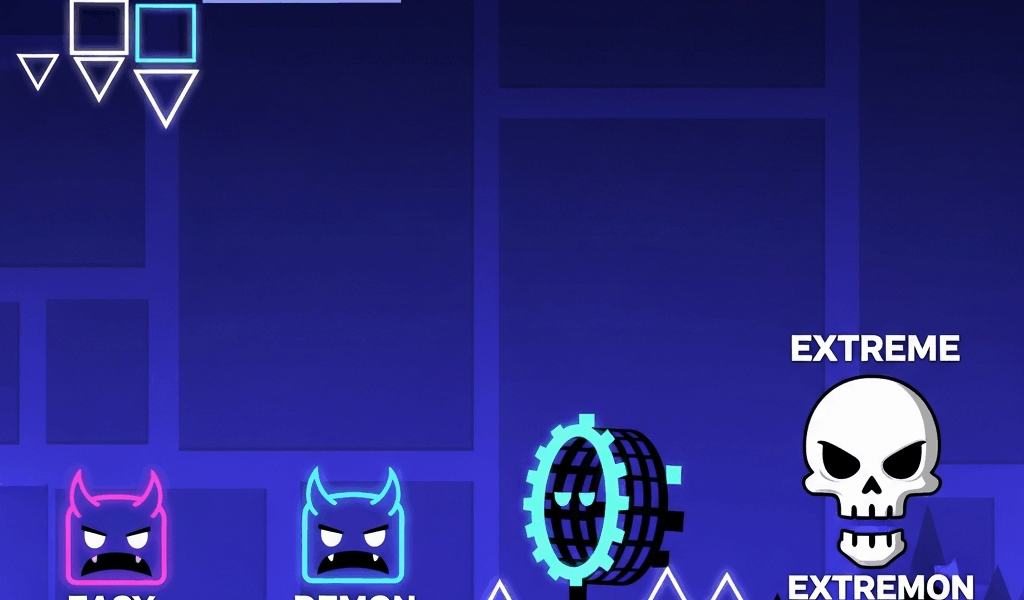
As someone who published their first level before it was ready — the cube could technically navigate it without dying, but the timing was random, the decoration was slapped over broken geometry, and nobody had a good time — I learned a lot the hard way about what actually matters. Today I’ll share all of it with you.
There were faster ways to learn. I wish I’d known about them earlier.
Getting Started
Open the editor from the main menu. Place blocks with tap, delete with long-press. The play button tests your creation. That part is intuitive. What’s not intuitive is everything that comes after.
First Level Checklist
- Pick a song you actually enjoy from Newgrounds — you’ll hear it hundreds of times during construction
- Start with cube gameplay only — no game mode switches until the basics work
- Make jumps sync with the beat before worrying about anything else
- Test from the beginning every 30 seconds of new content, not just when you finish a whole section
Common Beginner Mistakes
Decorating before gameplay works: This wastes more time than anything else. Decoration locks you into decisions about a layout that might still need to change. Build the entire level as bare geometry first. Make it completable with no visual polish at all. Then decorate. I ignored this advice and paid for it with hours of rework.
Making it too hard: New creators almost always make their first level too difficult. You know where every obstacle is, so you’ve stopped being a fair judge of difficulty. Aim for something a slightly-below-average player can clear. You can make harder levels after you understand the tools.
Not playtesting enough: Every major change to the layout requires a full run from the beginning. Section-by-section testing catches local problems but misses pacing issues — sections that feel fine in isolation but wrong in context of the full level.
Avoiding triggers: A lot of first-time builders skip triggers because they look complicated. That’s the wrong call. Triggers are what make levels interesting. Spend an hour specifically learning move triggers and color triggers before you finish your first level. They’re not as complex as they appear, and they change what you think is possible.

Getting Feedback Before Publishing
The GD Discord creator servers have channels specifically for playtesting. Post your level there when it’s about 60 percent finished — while you can still make significant changes based on what you hear. Experienced creators will find problems you’ve gone blind to after staring at the same geometry for 40 hours.
Feedback after publishing is harder to act on because rebuilding a published level feels like starting over. Feedback during construction is the most useful kind.
Next Steps
Once you’re comfortable with basic cube gameplay and color triggers, start experimenting with game mode switches. A cube-to-ship transition timed to a musical drop is one of the most satisfying things you can build in the editor. Game mode switches give you the full vocabulary of level design — don’t stay in cube-only territory longer than necessary.
Watch creator tutorials on YouTube for specific techniques you want to learn. The GD creator community produces high-quality educational content for every skill level. You don’t have to discover everything through trial and error.
Related Articles
Continue reading:

Leave a Reply