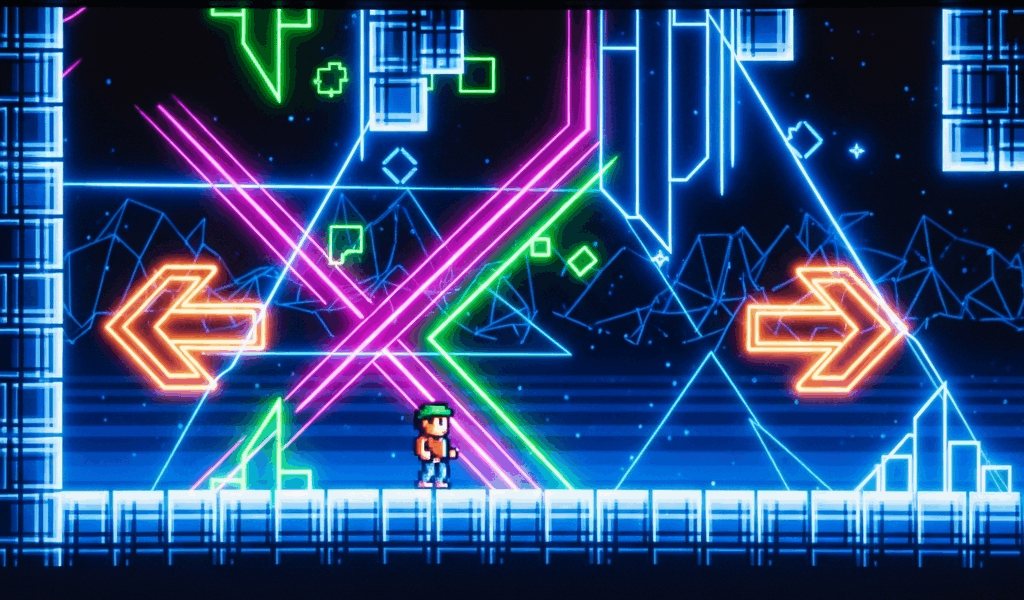
After a decade of auto-scrolling levels where your only job was timing clicks, Geometry Dash 2.2 introduced something nobody expected — full left and right movement, variable jump heights, and levels that do not scroll at all. Platformer mode turns everything you know about GD on its head, and the muscle memory you built beating demons will actively fight you for the first few hours.
Here is how the mode works, why classic GD instincts get in the way, and which levels to play first while you retrain your brain.
How Platformer Mode Differs From Classic Geometry Dash
In classic Geometry Dash, your icon moves forward automatically at a fixed speed. You have one input — click or tap — and your only decision is when to use it. Everything about the game is built around this constraint: level design, timing windows, music sync, difficulty. It is a rhythm game wrapped in a platformer skin.
Platformer mode removes the auto-scroll entirely. You control horizontal movement with left and right inputs (arrow keys, WASD, or on-screen buttons on mobile). You jump with a tap or click, and how long you hold the button determines how high you go. You can stand still. You can walk backward. You can explore branching paths and find hidden areas. Levels are no longer linear corridors — they are spaces you move through at your own pace.
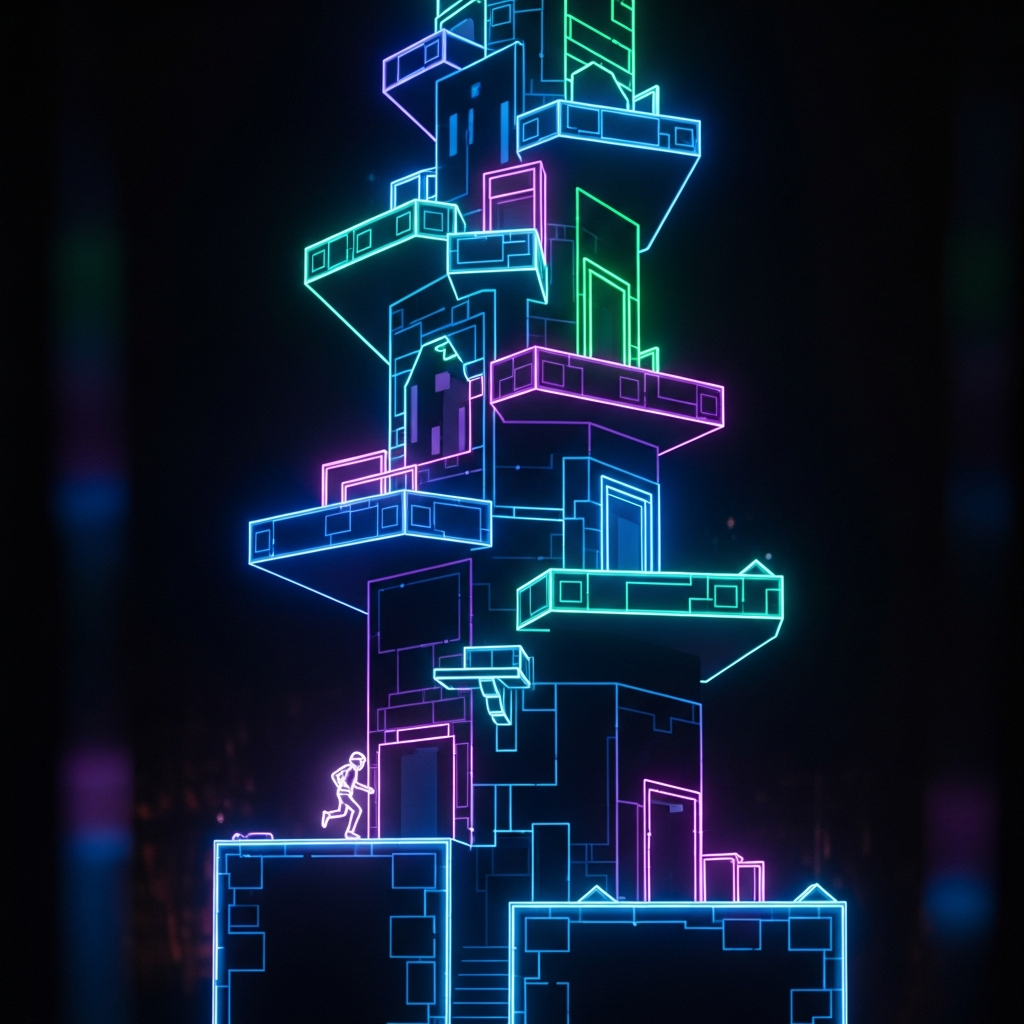
The official introduction to platformer mode is The Tower, a set of four levels RobTop included in the 2.2 update. These levels teach the basics through level design rather than tutorials — the first Tower level is gentle enough that you figure out movement naturally, while later Tower levels introduce wall jumps, variable-height platforms, and verticality that would be impossible in classic mode.
The biggest adjustment is pace. Classic GD is constant forward momentum at high speed. Platformer mode rewards patience, exploration, and careful movement. If you rush through a platformer level with classic GD reflexes, you will overshoot platforms, miss ledges, and die to hazards you could have easily walked around.
Movement Mechanics That Trip Up Classic Players
Variable jump height is the first thing that feels wrong. In classic GD, every tap produces the same jump arc. In platformer mode, a quick tap gives a short hop and a held press sends you to full height. Your first instinct is to tap everything like cube mode — short, precise clicks. But platformer levels are designed around full jumps, half jumps, and everything in between. Spend ten minutes just jumping at different heights in an easy platformer level until it stops feeling foreign.
Momentum and acceleration work differently than you expect. You do not instantly reach top speed when you start moving, and you do not instantly stop when you release the direction key. There is a brief acceleration curve that feels slippery at first. This matters on small platforms where you need to land and stop precisely. The fix is simple but takes practice: start releasing the direction key slightly before you reach the edge of a platform, not when you reach it.
Wall interactions are new territory. Some platformer levels include wall jumps — touch a wall while airborne and you can kick off it in the opposite direction. The timing is forgiving compared to most platformer games, but the mechanic does not exist in classic GD at all, so your first few attempts will feel clumsy. Approach walls at an angle rather than straight on, and tap jump the moment you feel the wall contact.
The hardest habit to break is always moving forward. In classic GD, standing still is death. In platformer mode, stopping to survey the area ahead of you is often the smartest play. Hazards are placed with the expectation that you might approach from different angles. A spike ceiling that looks unavoidable from the left might have a safe gap when approached from the right side.
Best Platformer Levels to Learn the Mechanics
The Tower (official levels) — Start here, no exceptions. RobTop designed these levels to teach platformer mechanics progressively. Tower 1 is basic movement and jumping. Tower 2 adds vertical climbing. Towers 3 and 4 introduce more complex hazard patterns and platforming sequences. They are short, well-paced, and forgiving. If you die, you restart nearby rather than at the beginning.
After The Tower, search for community platformer levels sorted by difficulty — start with easy and normal rated. The community has produced thousands of platformer levels since 2.2 launched, and the quality varies dramatically. Look for levels with high like-to-download ratios, which usually indicates solid level design rather than random hazard placement.
Good learning levels share a few traits: clear visual language (you can tell what is a platform, what is a hazard, and what is decoration), fair checkpoint placement, and gradual difficulty curves within the level. Avoid heavily decorated platformer levels until you are comfortable with the mechanics — the visual noise makes it harder to read the gameplay, and you want to focus on movement, not eye strain.
A few community favorites for early platformer practice include levels tagged with “platformer tutorial” or “easy platformer” in the level browser. Sort by most liked within the platformer mode filter, and the cream rises to the top. The community is good at identifying well-designed levels through the rating system.
Advanced Platformer Techniques
Once basic movement feels natural, the depth opens up. Competitive platformer play focuses on speed optimization — finding the fastest route through a level, minimizing unnecessary jumps, and maintaining momentum through sections that are designed to slow you down. The best platformer runners treat levels like speedrun puzzles, testing different paths through the same space.
Exploration is a dimension that classic GD never had. Many community platformer levels hide secret areas behind breakable walls, off-screen paths, or sections that require backtracking. If a platformer level feels short, you probably missed something. Look for visual hints — slightly different colored walls, gaps in spike patterns, platforms that lead to apparent dead ends. Good level creators leave breadcrumbs.
For creators, building platformer levels uses different editor principles than classic levels. Camera behavior, spawn positions, and checkpoint triggers all work differently in platformer mode. The trigger system for platformer levels is more complex because the player can be anywhere in the level space at any time — unlike classic mode where the player’s horizontal position is always predictable. If you plan to build platformer levels, study how The Tower handles camera and checkpoint placement before starting your own.
Platformer mode is still young relative to classic GD. The meta is evolving, the best community levels are still being made, and the techniques that define competitive platformer play are still being discovered. Getting comfortable with the mechanics now puts you ahead of the curve — when the platformer scene matures, you will already have the fundamentals locked in.

Leave a Reply