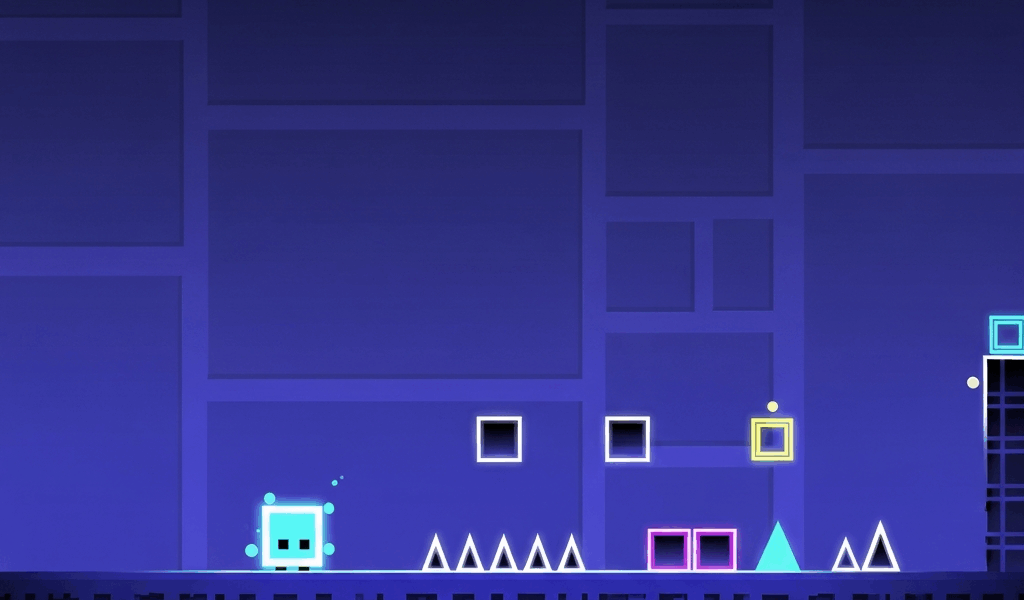
Geometry Dash has gotten complicated with all the game modes and community content stacking up over the years. As someone who started with no idea what I was getting into — thought it was a simple rhythm game, discovered it was a precision platformer with eight distinct modes and a skill ceiling that top players have been pushing for a decade — I learned everything about it through trial and error. Today I’ll share all of it with you.
The Core Mechanic
Your icon — starting as a cube — moves forward automatically at a fixed speed. You tap or click to interact: jump, fly, or otherwise navigate around obstacles. Touching any obstacle kills you and restarts the level from the beginning, or from a checkpoint if you’re in practice mode.
The game is synchronized to music. Obstacles are placed to match the beat and rhythm of each track. The best players aren’t reacting to individual obstacles — they’re reading the music and anticipating what’s coming. That distinction took me a while to internalize.
Getting Started
Start with the main levels. Stereo Madness is the first and easiest — it introduces basic cube controls and jump timing. Work through the official levels in order. Each one introduces new mechanics and game modes that build on what came before.
The Eight Game Modes
As you progress through levels, portals change your icon into different game modes, each with different controls and movement physics.
- Cube — The default. Tap to jump. Hold to jump higher in some sections.
- Ship — Hold to fly up, release to fall. Requires sustained fine control.
- Ball — Tap to flip gravity. You roll along whichever surface gravity pulls you toward.
- UFO — Tap to boost upward. Falls when you’re not tapping. Has a natural arc rhythm.
- Wave — Hold to go up diagonally, release to go down diagonally. No neutral position.
- Robot — Like cube but with variable jump height depending on how long you hold the tap.
- Spider — Tap to teleport to the opposite surface.
- Swing Copter — Tap to change direction on a pendulum arc.
That’s what makes GD endearing to players who stick with it — eight distinct modes means there’s always something new to learn and improve at.
Practice Mode
Every level can be played in practice mode, which lets you place checkpoints so you restart from partway through rather than the very beginning. Use practice mode to learn difficult sections. The goal is to become consistent enough in practice that normal mode runs give you a reasonable shot at completion.
A common mistake is spending too much time in practice mode on tiny sections without ever attempting normal mode runs. Practice teaches muscle memory, but normal mode creates the pressure that tests whether that memory holds under stress. Both are necessary. I leaned too hard on practice mode early on and it showed when I tried to convert runs.
The Main Levels and Beyond
The game ships with 22 official main levels ranging from Stereo Madness to Fingerdash, which requires solid skills across multiple game modes. After the main levels come community-created Demon levels in five tiers: Easy, Medium, Hard, Insane, and Extreme.
The community has created millions of levels covering every difficulty, theme, and style imaginable. Once you clear the main levels, player-created content provides effectively unlimited gameplay at every skill level.
What Makes the Game Click
Geometry Dash feels impossible at first and then suddenly starts feeling manageable. The improvement curve is steep for about the first 20 to 30 hours, and many players who try it once and bounce off it would have found a very different experience if they’d stayed through that initial stretch. Give it real time before deciding whether it’s for you.
Related Articles
Continue reading:

Leave a Reply